> ## Documentation Index
> Fetch the complete documentation index at: https://facts.klass.lk/llms.txt
> Use this file to discover all available pages before exploring further.
# Video upload කිරීම පිළිබඳ සැකසුම් සාදා ගැනීම
> Video upload කිරීම පිළිබඳ සැකසුම් සාදා ගන්නේ කෙසේද?
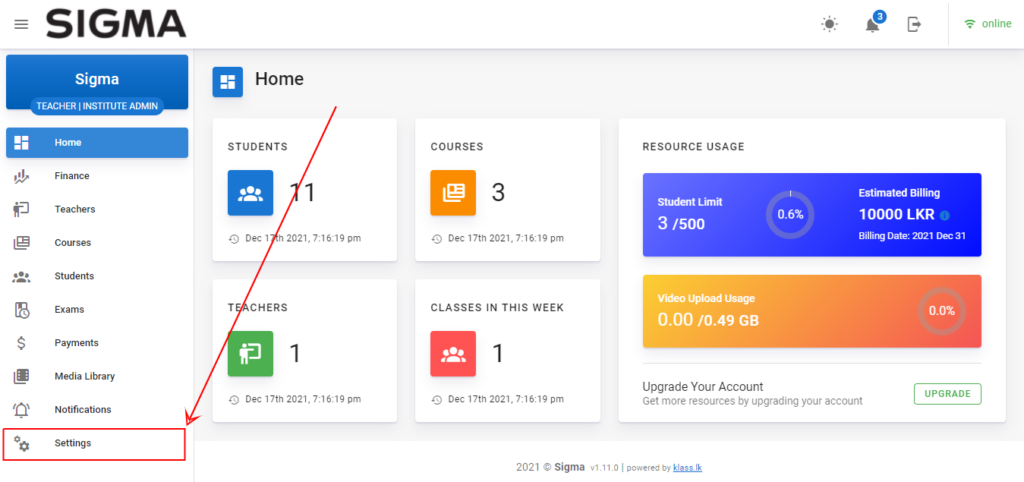
පළමුව admin dashboard එක වෙත පැමිණ එහි ඇති settings tab එක click කරන්න.
 ඉන්පසු පැමිණෙන මුහුණතෙහි Config tab එක click කර එහි ඔබගේ වීඩියෝ පාඩම් ගබඩා කරන Vimeo video hosting platform එකෙහි ඔබගේ ගිණුමට අදාල API key එක ඇතුලත් කරන්න.
